
Free on-site gate assessment - hinges, posts, and your LiftMaster or Nice gate operator checked before anything is quoted
The assessment is free and the quote is the invoice.
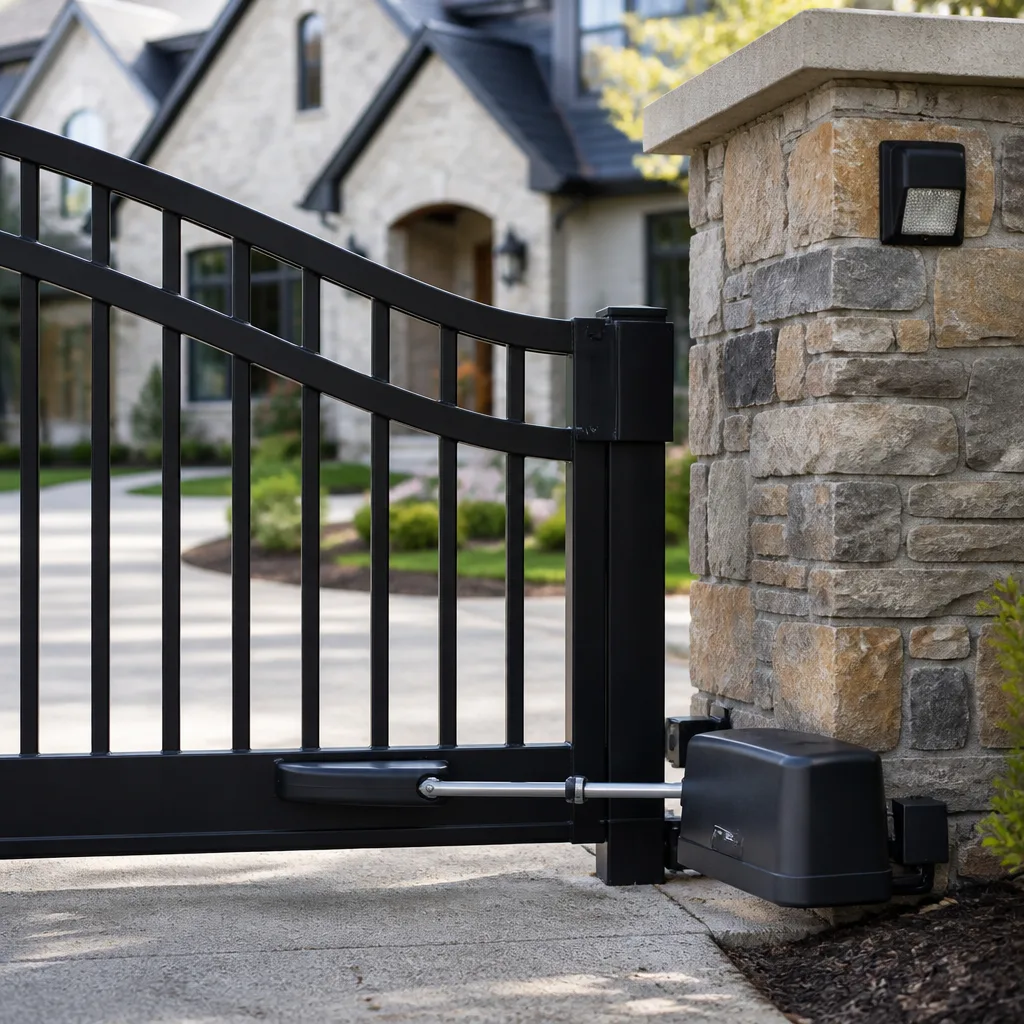
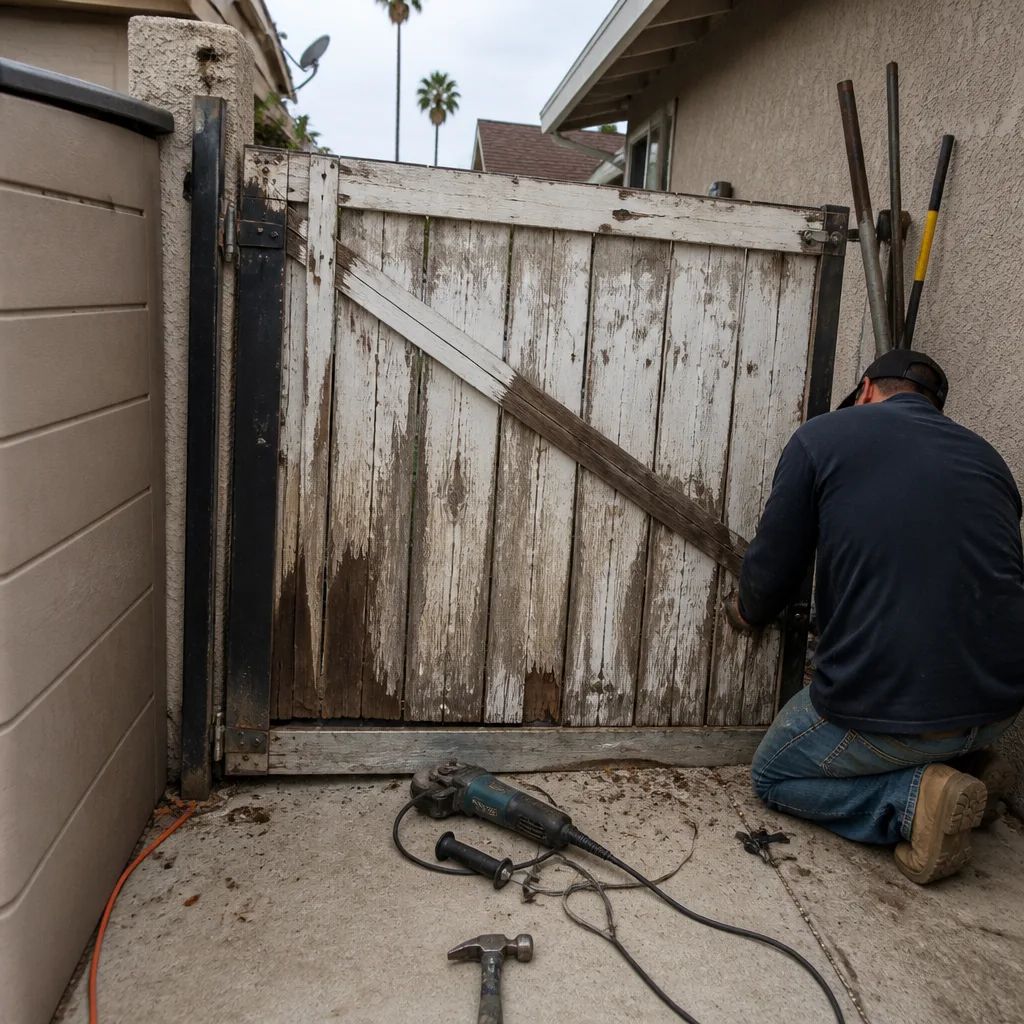 Before
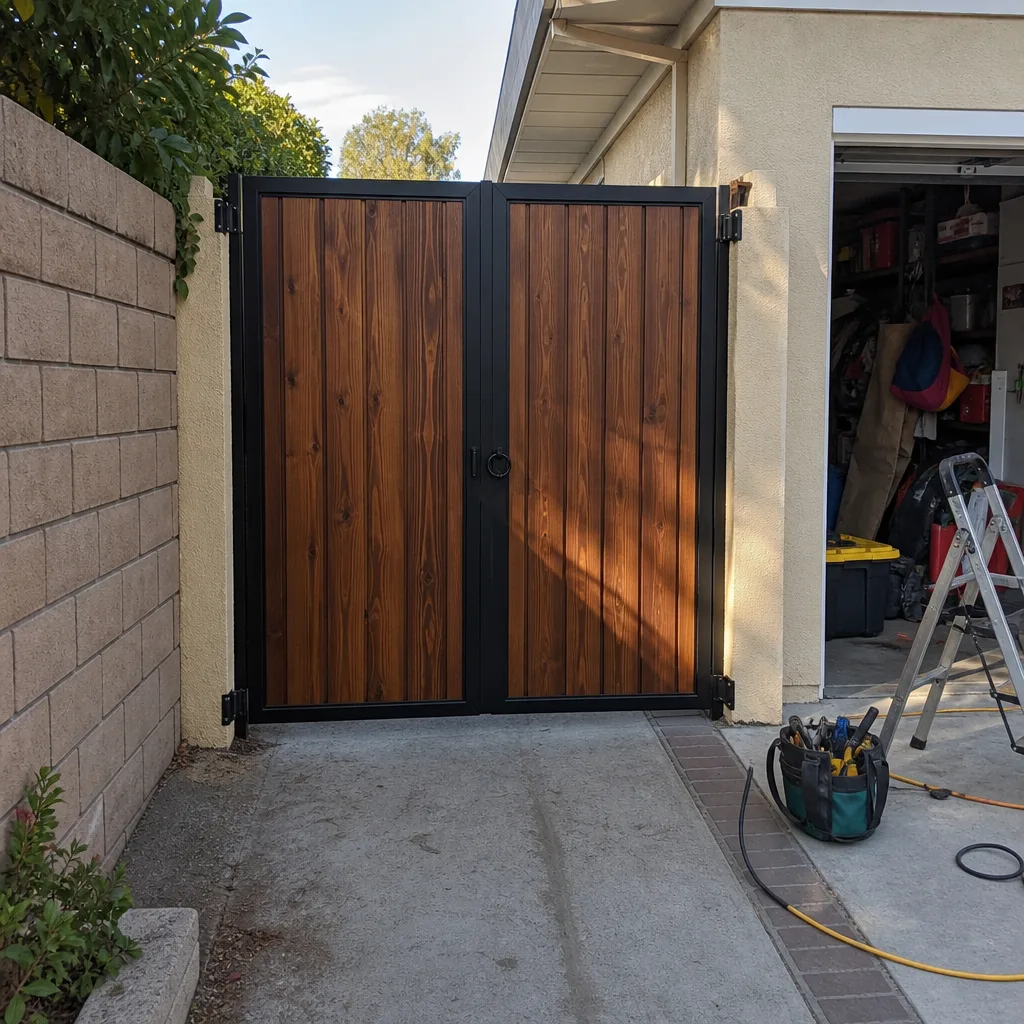 After
After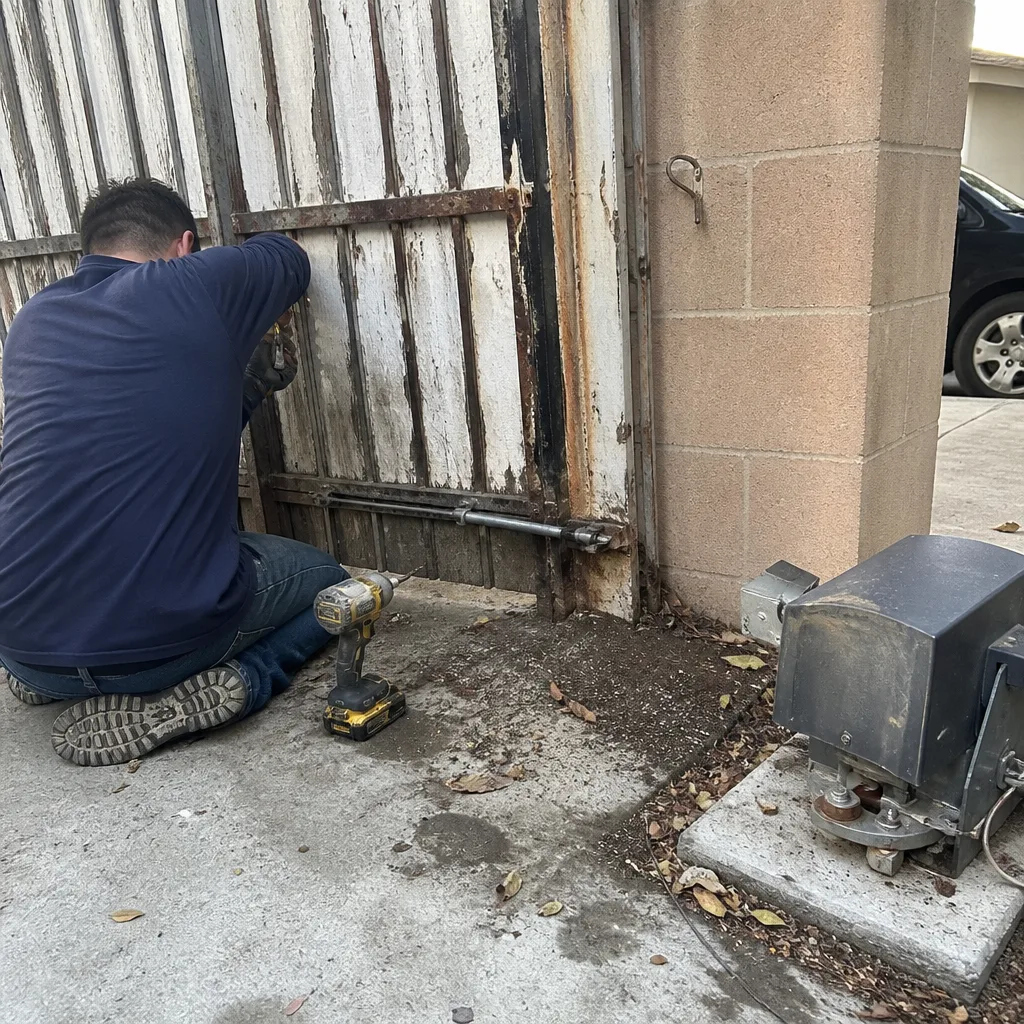 Before
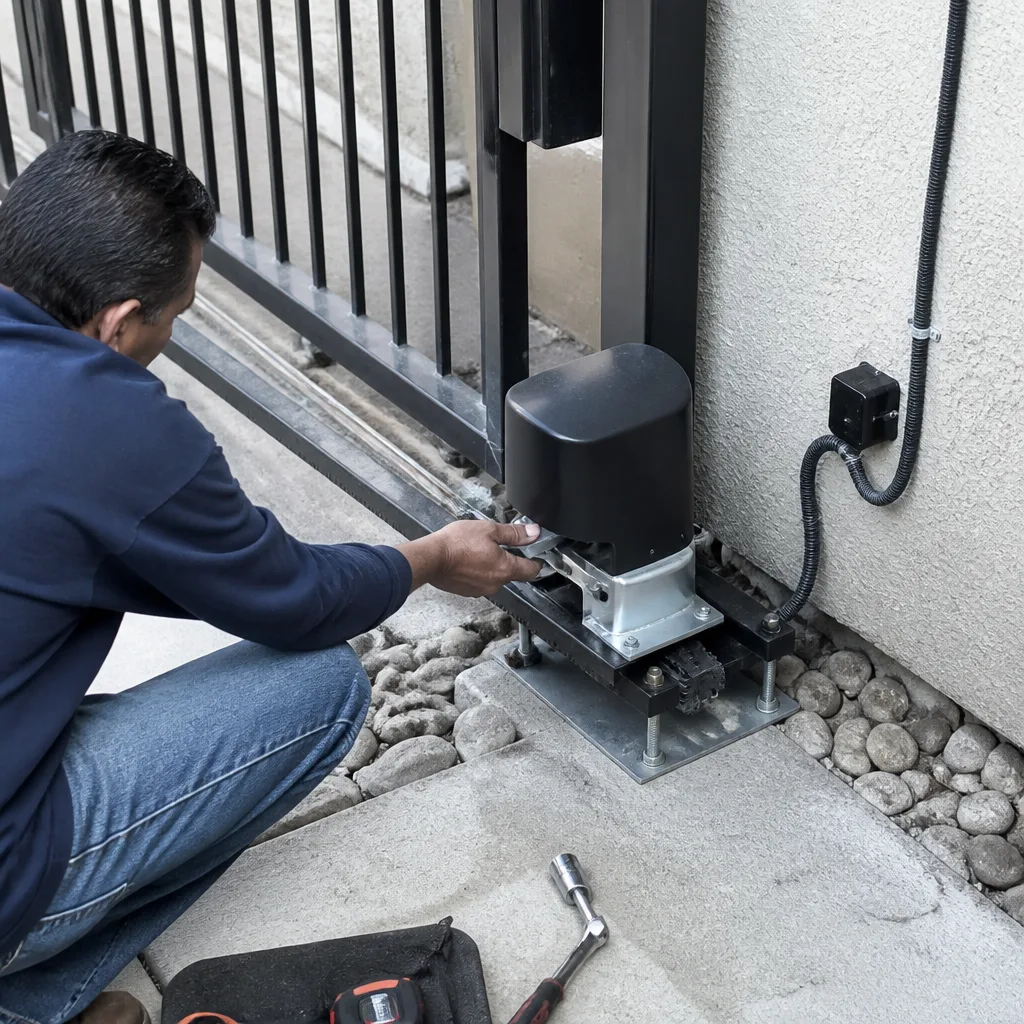 After
After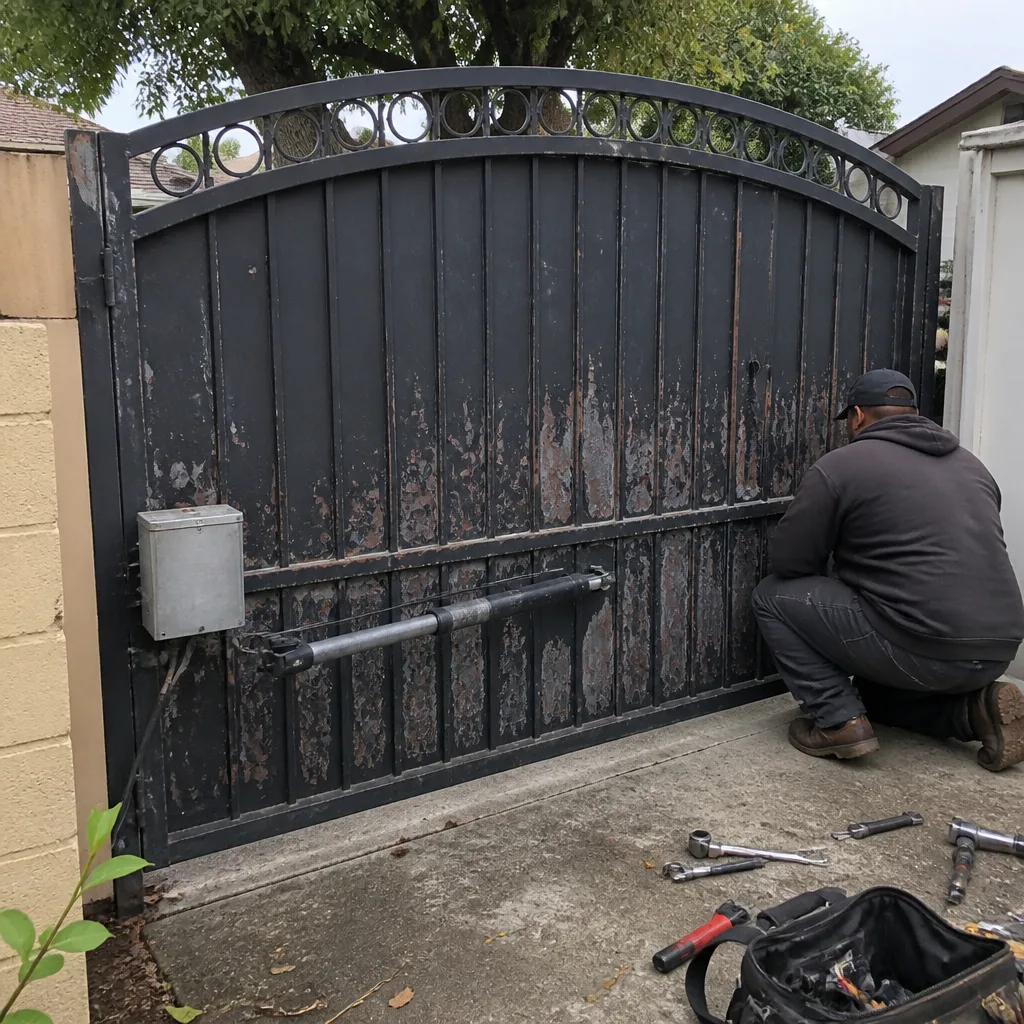 Before
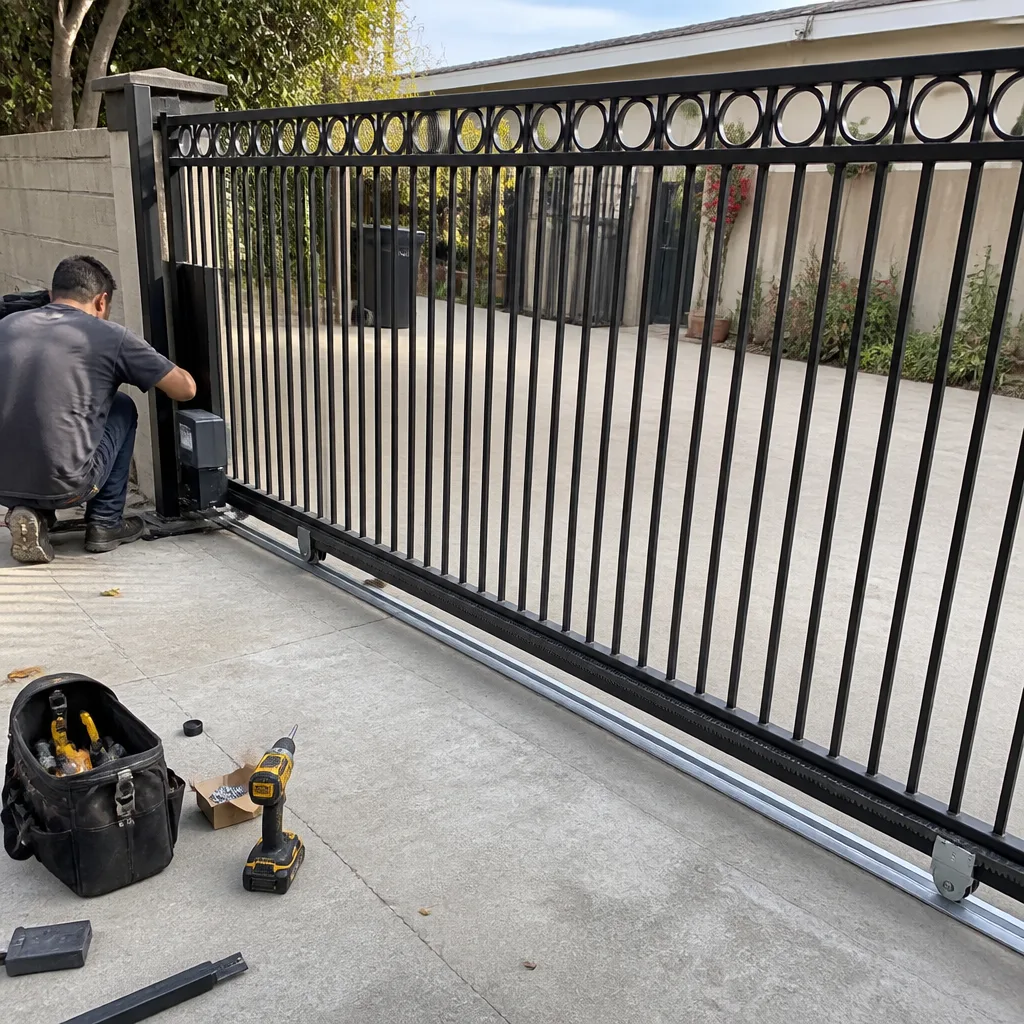 After
AfterMighty Mule Access Control Installation: The Fullerton Owner’s Guide
We stock and install Mighty Mule access control components across Fullerton, and most failures we see involve the control board, keypad, or receiver rather than the arm itself. A typical access control replacement on a Mighty Mule system runs $180 to $420 installed, depending on the part and whether we’re adding a new keypad, receiver, or control board. Most access control replacements are done in a single visit, and we carry the common Mighty Mule parts on the truck.
The way owners usually discover a failed access control part is unglamorous: the gate stops answering the remote, or the keypad lights up but nothing moves, or the gate opens on its own at 2 a.m. because the receiver board has gone flaky. Sometimes it’s the classic Fullerton story: a homeowner comes back from the Thursday farmers market on Commonwealth, hits the clicker, and the gate just sits there like it didn’t hear a thing. That’s almost never the motor. That’s the access control side, and it’s where we spend a good portion of our service calls.
Which Mighty Mule Models This Applies To
The access control side of a Mighty Mule system varies by series, and it matters which one is sitting on your driveway. The older FM350, FM500, and FM502 models use a separate receiver board that plugs into the main control board, while the newer MM series (MM260, MM360, MM371W, MM571W) have the receiver integrated onto the main board. If your gate was installed before about 2012, you almost certainly have a plug-in receiver; after that, it’s usually built in. The keypads differ too: the older wired FM135 keypad and the newer MMKP wireless keypad are not interchangeable without a receiver change or a wiring re-do.
How to identify what you have: the control board sits inside the opener housing, and it will have a model number printed directly on it. The remote will also carry an FCC ID number. When we quote a Mighty Mule access control replacement over the phone, we ask for those two numbers or a photo of the board. It saves a trip and it tells us whether we’re bringing the right part or bringing two options. On the OEM-versus-aftermarket question: for Mighty Mule specifically, the OEM boards are still reasonably priced and available, and we lean OEM for control boards and receivers. Aftermarket universal receivers work, but they often don’t integrate cleanly with Mighty Mule’s single-button and edge-sensor logic, and we’d rather install something that won’t argue with the system a year from now.
Signs Your Mighty Mule Access Control Installation Is Failing
- The gate responds to the keypad but not the remote. This almost always points to the receiver or the remote itself, not the motor. We see this on FM502s that have lived outside for a decade; the receiver board corrodes at the antenna connection and signal range drops from 50 feet to about 8 feet on a good day.
- The keypad works intermittently or only when you press hard. Mighty Mule keypads, especially the older FM135 wired units, develop worn membrane contacts. The underlying cause is simple age and UV exposure. In Fullerton’s sun, a keypad facing west takes a beating over five or six summers.
- The gate opens or closes without anyone pressing anything. This is a failing receiver board picking up stray RF signals, and it is common on Mighty Mule systems in dense Fullerton neighborhoods where garage door openers, baby monitors, and HOA gate remotes all share the same frequencies. It is also a safety concern, especially if small kids or pets are around.
- The gate opens but won’t close, or closes but won’t open, only from one device. That usually means one access control input is working and another is not, a dead relay channel on the control board or a broken wire. We trace it with a meter before we spend a dime of your money on parts.
- You have to reprogram remotes every few weeks. When the control board’s memory chip starts to fail, it forgets its programming. If you’ve programmed the same clicker three times since January, the board is on its way out, not the remote.
Replacement Cost & What’s Included
In Fullerton, a Mighty Mule access control replacement runs between $180 and $420 installed. A basic OEM remote or a simple keypad lands at the low end. A receiver board or a main control board with a new keypad and programming lands at the high end. The variables are the part, the model year, and whether the existing wiring and housing are still sound. We quote the full price before any work starts, parts and labor together, and that price does not change unless we find something else broken and you approve the additional work before we touch it.
Every Mighty Mule access control installation we complete in Fullerton includes the part, the installation, full programming of remotes and keypad, testing through at least ten open-close cycles, and our written 90-Day Done Right Promise. The promise is simple: if it is not right, we come back and make it right. No paperwork, no arguing, no exceptions. We also stock replacement parts for LiftMaster, Ghost Controls, and DoorKing systems, so if the Mighty Mule board turns out to be fine and the problem is a universal receiver, we’re not sending you to a parts counter and a YouTube video.
DIY or Call Us?
There are things an owner can safely check. Confirm the opener has power and the breaker hasn’t tripped. Check the keypad’s battery if it’s a wireless model. Try a second remote. Make sure the antenna wire on the receiver isn’t touching the metal housing. Those checks cost nothing and they sometimes solve the problem.
Where DIY goes sideways on Mighty Mule access control is in the board replacement and the low-voltage wiring. A Mighty Mule opener runs on 12V DC, but the control board is sensitive to short circuits, and a miswired connection can fry a brand-new board in about two seconds. We have replaced boards that were killed by a well-meaning owner with a multimeter and a YouTube tutorial. Some of them cost more to fix than the original problem would have. The access control side also ties into the safety edges and the auto-close timer, and if those get misconfigured, you end up with a gate that stops mid-cycle or reverses into a car. When you’d rather not take that bet, call us at (279) 201-0835 and we’ll get it done in one trip.
FAQs
A factory access control board on a Mighty Mule system in Fullerton lasts 7 to 10 years on average. The climate shortens that: our dry heat bakes the solder joints over those long ranch summers, and the marine layer nights add condensation. If your system is past year eight and the remote range is getting spotty, we’d plan for a board rather than wait for a full failure. Call (279) 201-0835 for an exact diagnosis, and we can usually tell you over the phone whether it’s the board or the remote.
In most cases we recommend replacement, not repair. The boards are not built to be serviced at the component level, and a repaired board tends to fail again in a way that’s hard to predict. Replacement gets you a new, reliable board and our 90-Day Done Right Promise behind it. We’ll always give you a straight answer on whether it’s worth repairing, and we’ll quote both options if a repair is even viable.
Most access control replacements on a Mighty Mule system take between 45 minutes and two hours, including programming the remotes, keypad, and safety adjustments. We carry the common Mighty Mule parts on the truck, so we can usually complete the job in the first visit.
We stock the common Mighty Mule receivers, control boards, and keypads for the FM and MM series, and we carry universal receivers and aftermarket keypads for older systems where OEM parts are discontinued. If a part has to be ordered, we’ll tell you before we schedule the work and give you the real lead time, not an optimistic guess.
Written by Victor Salinas, Owner & Gate Repair Specialist, Ironworks Gate Co. at Ironworks Gate Co., serving Fullerton and nearby areas.